
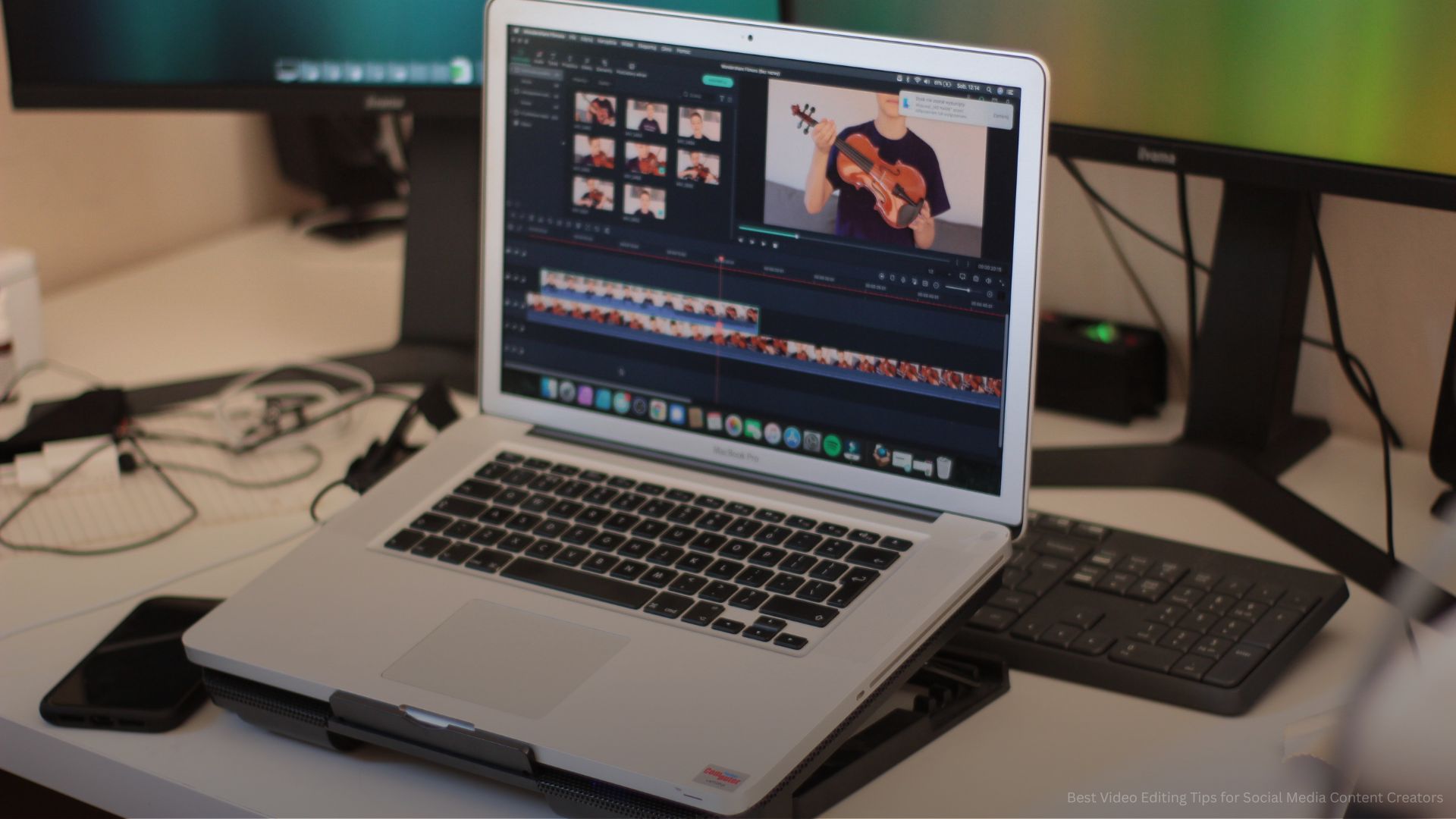
Creating high-quality videos is essential for standing out on social media. With platforms like Instagram Reels, TikTok, YouTube Shorts, and Facebook prioritizing video content, creators need more than just creative ideas to succeed. Effective Video Editing Tips for Social Media help transform raw footage into polished, engaging content that captures attention and encourages interaction. Strong editing improves storytelling, increases watch time, and helps videos perform better across social platforms.
For content creators, social media success often depends on how well videos are edited to match audience behavior and platform requirements. From choosing the right video length to adding captions and transitions, strategic editing can significantly improve engagement and visibility. By understanding essential video editing techniques, creators can produce professional-looking content that strengthens their brand and drives better results.
Understanding Social Media Video Editing Fundamentals
Successful Social media video editing begins with understanding how audiences consume content across different platforms and what captures their attention in fast-moving digital spaces. Social media users often scroll through large amounts of content within seconds, which means creators have a very limited window to make an impression. Effective editing focuses on delivering a strong visual hook, maintaining fast and engaging pacing, ensuring message clarity, and creating a natural storytelling flow that keeps viewers watching until the end. Strong editing is not simply about adding effects or transitions. It is about structuring content in a way that communicates quickly, aligns with platform expectations, and creates a smooth viewing experience that encourages shares, comments, and repeat engagement.
Core Social Media Video Editing Principles:
- Hook viewers immediately: Start videos with eye-catching visuals, bold text, or an intriguing opening statement within the first few seconds.
- Keep pacing fast: Remove unnecessary pauses, filler clips, and slow transitions to maintain momentum.
- Focus on clarity: Make sure visuals, audio, and messaging are easy to understand.
- Use platform-specific dimensions: Format videos correctly for vertical, square, or landscape viewing depending on the platform.
- Prioritize storytelling: Create a clear beginning, middle, and ending that guides viewers naturally.
- Edit with audience behavior in mind: Match editing styles to how audiences interact with each platform.
- Maintain visual consistency: Use branded colors, fonts, and editing styles for stronger recognition.
- Optimize for silent viewing: Add captions and text overlays for viewers watching without sound.
- Use engaging motion elements: Add subtle animations that keep viewers visually interested.
- Create emotional connection: Use visuals and pacing that evoke curiosity, excitement, or interest.
- Keep messaging focused: Avoid overloading videos with too much information.
- Use visual hierarchy: Highlight key messages clearly through placement, size, and emphasis.
Understanding these fundamentals helps creators build stronger Video editing strategies for content creators that improve retention and audience engagement.
Choosing the Best Video Editing Software and Tools
Selecting the right tools is essential for building an efficient Video editing workflow and producing high-quality social media content consistently. The best editing software depends on your skill level, creative goals, content format, and preferred workflow. Some tools are designed for quick mobile editing and fast publishing, while others provide advanced professional features for detailed editing, color grading, and effects. Choosing reliable editing software helps streamline production, improve consistency, reduce editing time, and make it easier to create polished videos that perform well across social platforms.
Best Video Editing Software and Apps:
- Adobe Premiere Pro: Professional editing software with advanced tools for precision editing and creative flexibility.
- Final Cut Pro: High-performance editing platform known for speed and powerful workflow features.
- CapCut: Popular mobile and desktop editor ideal for short-form social media content creation.
- DaVinci Resolve: Advanced editor with industry-leading color correction and professional post-production tools.
- Canva Video Editor: Easy-to-use tool for simple edits, branded content, and quick social media videos.
- InShot: Mobile-friendly app for trimming, resizing, and enhancing social media videos quickly.
- VN Video Editor: Flexible mobile editing platform with advanced features for creators.
- iMovie: Beginner-friendly editing software for clean and straightforward video projects.
- Filmora: Accessible editing platform with templates, effects, and user-friendly controls.
- Adobe Premiere Rush: Streamlined cross-device editing tool for fast mobile and desktop workflows.
- KineMaster: Feature-rich mobile editor for layered editing and visual effects.
- LumaFusion: Professional-grade mobile editing app for advanced creators.
- Descript: Powerful editing platform for creators working with video and audio content.
- Clipchamp: Browser-based editor for quick edits and content production.
Using the right Video editing apps for social media improves speed, creativity, consistency, and overall production quality, allowing creators to produce stronger content more efficiently.
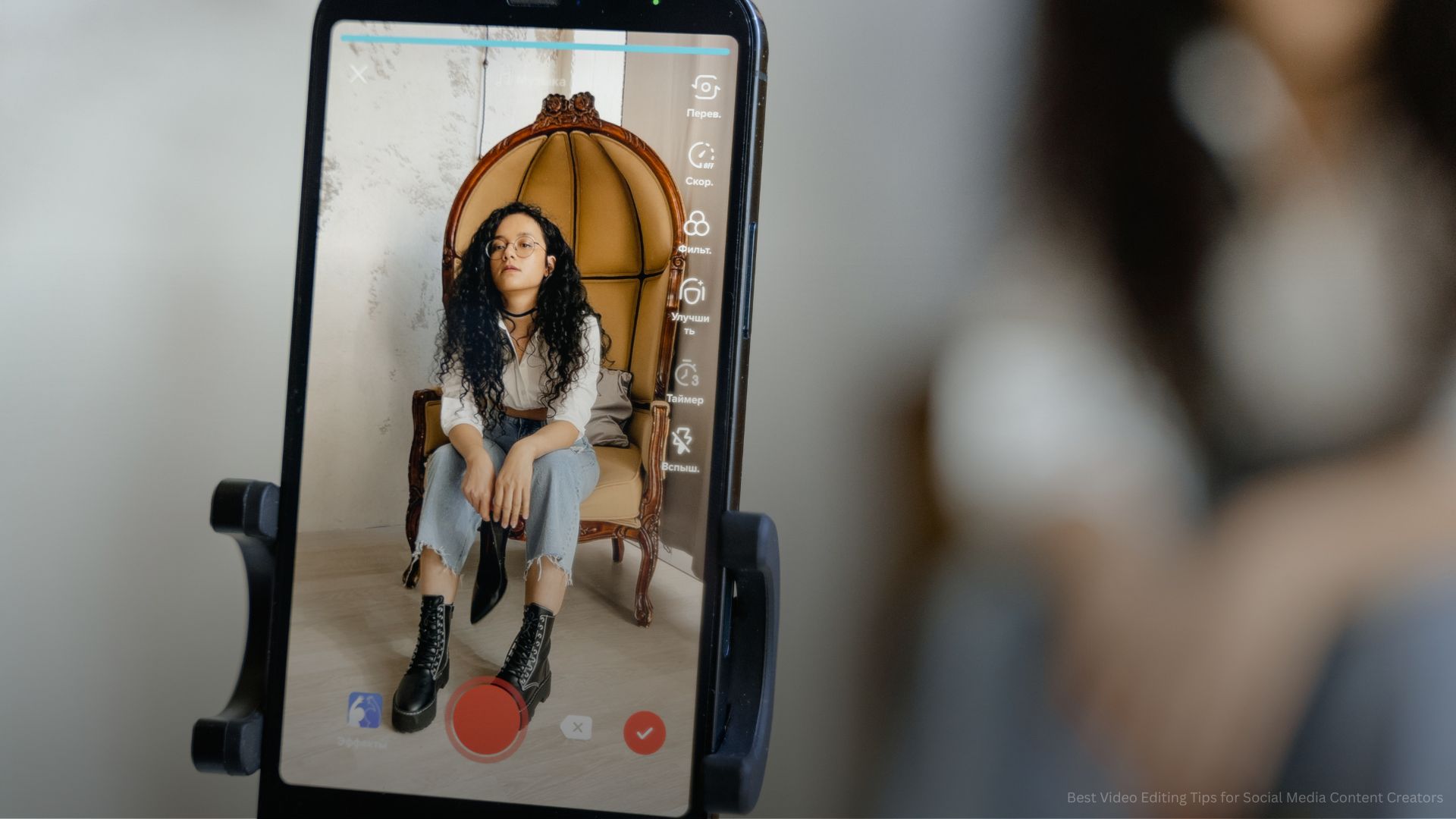
Short Form Video Editing Techniques for Better Engagement
Short-form videos have become the dominant content format across social media because they deliver quick, engaging, and easily digestible information. Platforms like TikTok, Instagram Reels, and YouTube Shorts prioritize this type of content, making it essential for creators to master short-form video editing techniques. Effective short-form editing requires a combination of precision, creativity, and intentional pacing to hold viewer attention from the very first second. The main goal is to hook viewers instantly, maintain engagement throughout the video, and encourage them to interact by liking, sharing, commenting, or following. Every second matters in short-form content, so each cut, transition, and visual element must serve a clear purpose in driving engagement and delivering value.
Short Form Editing Techniques:
- Use quick cuts: Remove unnecessary pauses and keep scenes moving to maintain viewer attention and fast pacing.
- Add engaging text overlays: Highlight key messages or dialogue to improve clarity and retention.
- Use pattern interruptions: Introduce visual changes such as scene shifts or effects to prevent viewer drop-off.
- Include motion graphics: Add subtle animations that enhance storytelling without overwhelming the viewer.
- Use smooth transitions: Ensure transitions feel natural and do not distract from the main message.
- Cut to music beats: Sync edits with audio rhythm to create more dynamic and engaging content.
- Highlight key moments early: Deliver value within the first few seconds to reduce audience drop-off rates.
- Use zoom effects strategically: Emphasize important details or reactions for stronger visual impact.
- Keep videos concise: Focus on one clear idea or message per video for better clarity.
- End with a strong CTA: Encourage viewers to comment, share, like, or follow for increased engagement.
- Use trending sounds: Incorporate popular audio to improve discoverability on social platforms.
- Maintain visual consistency: Keep color tones and editing style aligned with your brand identity.
These TikTok video editing tips and YouTube Shorts editing tips help creators produce high-performing short-form videos that increase reach, engagement, and audience retention.
Optimizing Videos for Different Social Platforms
Every social media platform has its own content style, audience behavior, and technical requirements, which makes Social media video optimization essential for maximizing performance. A video that performs well on TikTok may need adjustments to succeed on Instagram Reels or YouTube Shorts. Each platform rewards different editing styles, video lengths, and storytelling approaches, so tailoring content is key to improving visibility and engagement. Optimization includes adjusting video format, pacing, messaging style, and even thumbnail design to match platform expectations and audience preferences. When videos are properly optimized, they are more likely to appear in recommendations, gain higher engagement, and reach a wider audience.
Platform Optimization Strategies:
- Edit videos for Instagram Reels: Focus on visually polished edits, trendy formats, and aesthetic appeal.
- TikTok video editing tips: Use authentic, fast-paced storytelling with trending audio and relatable content.
- YouTube Shorts editing tips: Emphasize storytelling, educational value, or entertainment within a short timeframe.
- Facebook video optimization: Use slightly longer edits with clear context and easy-to-understand messaging.
- LinkedIn video formatting: Keep content professional, informative, and value-driven for business audiences.
- Adjust aspect ratios: Use vertical 9:16 format for short-form platforms and correct sizing for each channel.
- Optimize file sizes: Ensure videos load quickly while maintaining high visual quality.
- Customize thumbnails: Create eye-catching visuals that increase click-through rates and viewer interest.
- Maintain consistent branding: Use the same fonts, colors, and style across platforms for recognition.
- Use captions and subtitles: Improve accessibility and engagement, especially for silent viewing.
- Test different formats: Experiment with various video styles to identify what performs best per platform.
These Video editing strategies help creators improve performance across multiple platforms, increase engagement rates, and build a stronger and more consistent social media presence.
Adding Captions, Effects, and Transitions for Better Quality
Visual enhancements play an important role in improving the overall performance of social media videos when applied with intention and balance. Elements such as captions, transitions, effects, and motion graphics can significantly increase viewer engagement, retention, and accessibility. Captions help communicate messages clearly, even when videos are watched without sound, while transitions and effects improve visual flow and storytelling quality. However, the key to effective Professional video editing for social media is moderation. Overusing effects can distract viewers and reduce message clarity, while thoughtful application enhances professionalism and keeps attention focused on the content itself.
Video Enhancement Techniques:
- Add captions to videos: Improve accessibility, boost retention, and support silent viewing on social platforms.
- Use branded text styles: Maintain consistent fonts, colors, and typography for a stronger brand identity.
- Apply clean transitions: Ensure smooth scene changes that improve storytelling flow without distraction.
- Use motion graphics sparingly: Enhance key moments without overwhelming the viewer’s experience.
- Color correct footage: Improve brightness, contrast, and tone for a more polished and professional look.
- Add sound effects carefully: Support engagement and emphasis without overpowering dialogue or music.
- Use filters strategically: Match visual tone with brand identity and platform trends.
- Highlight important moments: Use animations or zoom effects to draw attention to key information.
- Maintain visual consistency: Keep editing style uniform across all videos for stronger recognition.
- Balance visual intensity: Avoid overloading videos with too many effects or transitions.
- Improve storytelling flow: Use enhancements to guide viewers smoothly from one scene to another.
Adding captions, effects, and transitions plays a key role in improving both the quality and performance of social media videos. When used with balance and intention, these enhancements improve clarity, strengthen storytelling, and keep viewers engaged from start to finish.
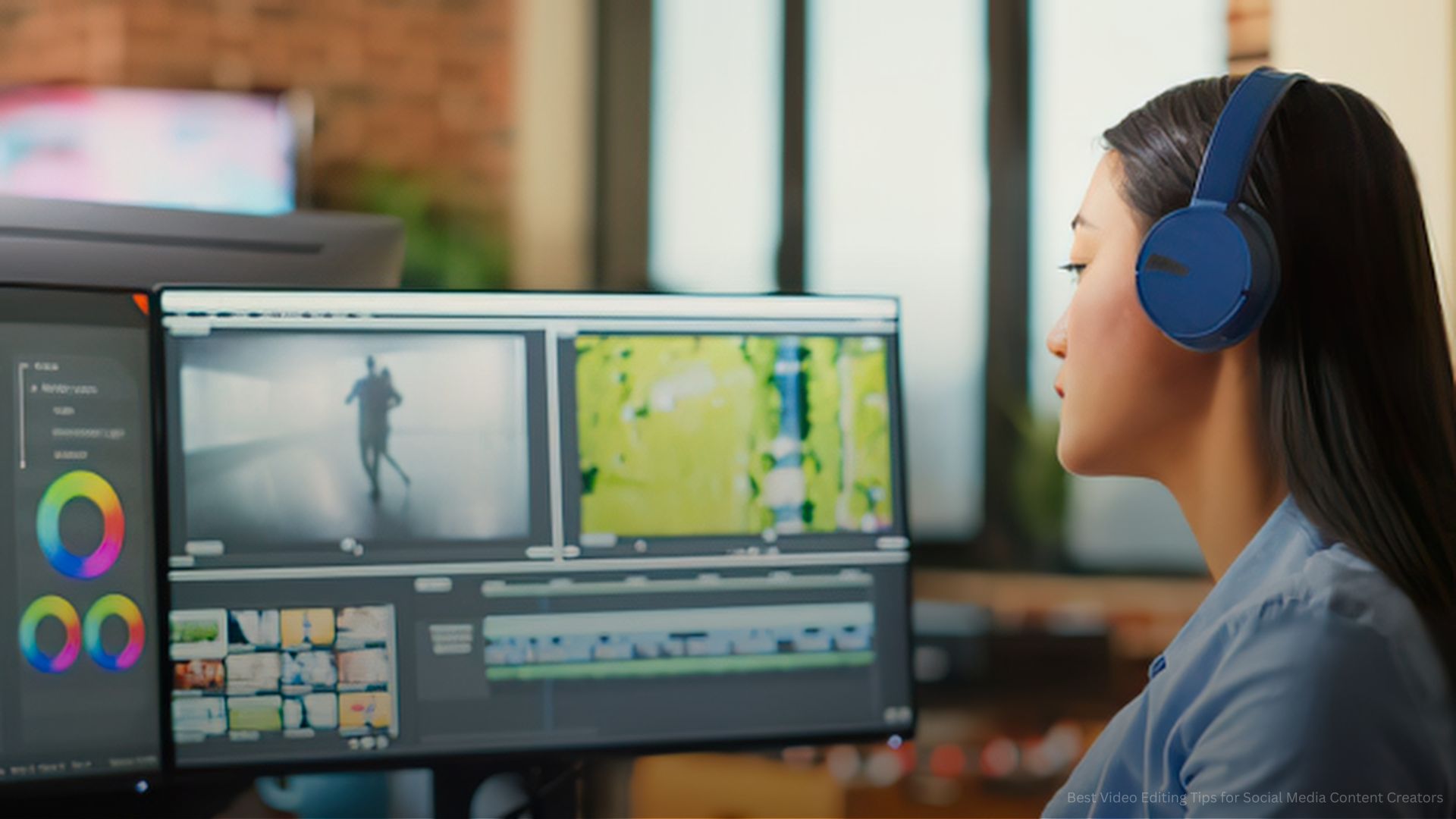
Creating an Efficient Video Editing Workflow
An efficient video editing workflow is essential for creators who want to produce high-quality content consistently without wasting time or losing creative direction. A well-structured workflow helps streamline the entire editing process, from organizing raw footage to exporting final videos for multiple platforms. By developing a repeatable system, creators can reduce repetitive tasks, maintain consistency, and focus more on storytelling and strategy rather than technical inefficiencies. A strong workflow also allows for better scalability, making it easier to produce large volumes of content while maintaining quality standards across all social media platforms.
Video Editing Workflow Best Practices:
- Organize files properly: Sort footage, audio, graphics, and project files into clearly labeled folders for easier access.
- Use templates: Speed up repetitive editing tasks by using pre-designed layouts and project structures.
- Batch edit content: Edit multiple videos in one session to improve efficiency and maintain creative flow.
- Create reusable presets: Apply consistent color grading, transitions, and effects across multiple projects.
- Plan edits before filming: Outline editing goals during pre-production to reduce unnecessary revisions later.
- Review performance data: Analyze video analytics to refine editing style based on audience behavior.
- Maintain content calendars: Organize publishing schedules to ensure consistent posting and engagement.
- Backup project files: Protect work by regularly saving copies of raw footage and edited projects.
- Standardize export settings: Use consistent resolution, format, and compression for all platforms.
- Use keyboard shortcuts: Improve editing speed and workflow efficiency through shortcut optimization.
- Organize project timelines: Keep sequences clean and structured for easier navigation and editing.
Strong content creators’ editing techniques improve productivity, streamline production, and ensure consistent high-quality output across all social media platforms.
Strong Editing Drives Social Media Success
Mastering Video Editing Tips for Social Media is essential for content creators who want to increase engagement, improve content quality, and grow their online presence. From choosing the right editing tools to optimizing videos for different platforms, strategic editing helps transform simple footage into compelling content that captures attention and drives results. Consistent improvement in editing techniques can significantly strengthen long-term social media performance.
Elevate Your Video Content with Hourglass Marketing Solutions
Hourglass Marketing Solutions helps businesses and creators develop powerful social media video strategies that drive engagement and visibility. From professional editing support and content optimization to full social media marketing solutions, our team helps brands create compelling video content that performs across all platforms. Contact Hourglass Marketing Solutions today to strengthen your social media presence with expert video editing and content marketing support.