
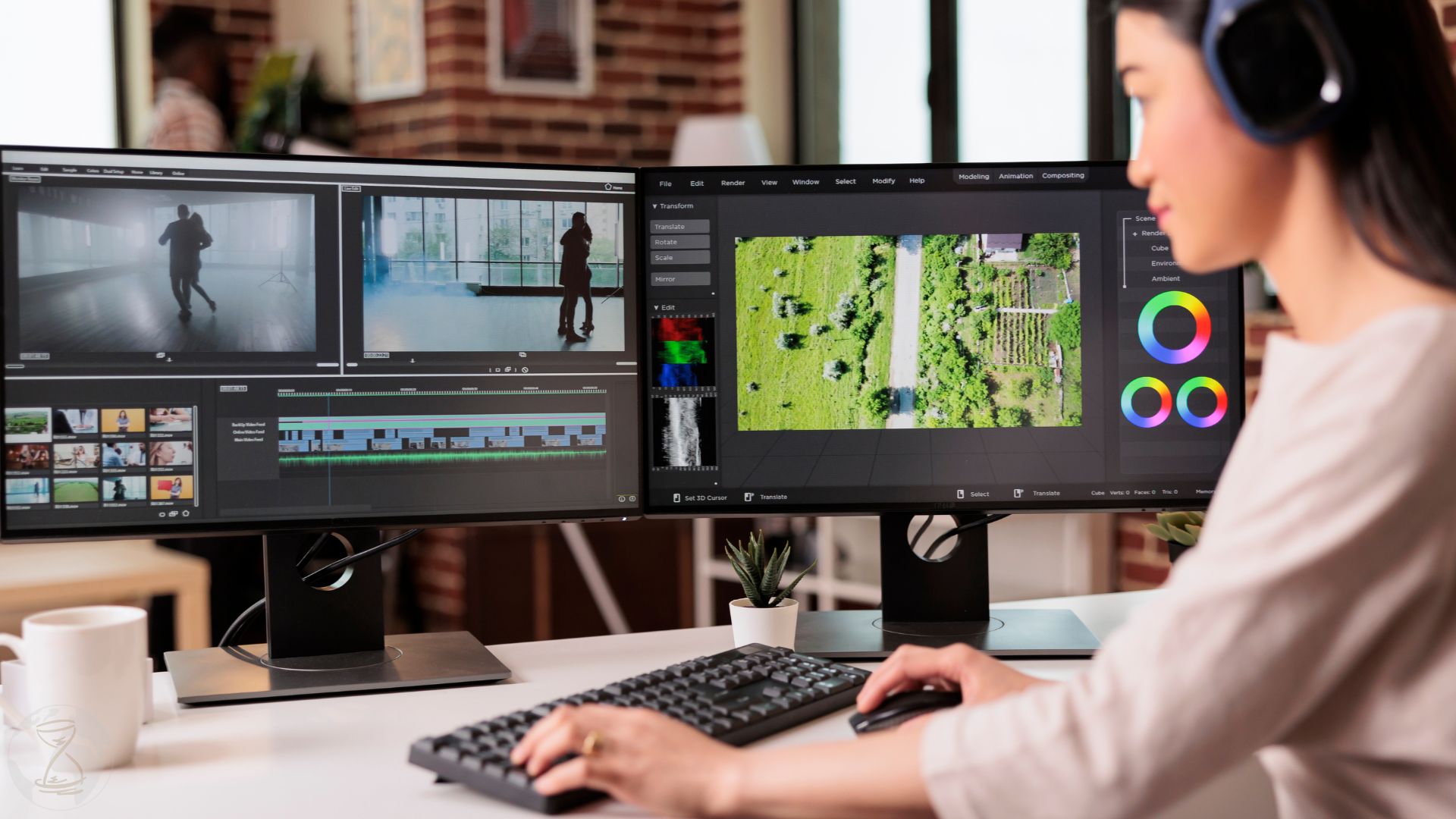
Efficiently improving your Video Editing Workflow saves time, reduces stress, and lets you focus more on creative choices that move your projects forward. The right combination of planning, tools, techniques, collaboration, and hardware optimization turns repetitive busywork into streamlined steps so you can deliver high-quality videos faster and with less friction.
Understanding Your Current Video Editing Workflow
Before you speed things up, take a clear inventory of how you currently work so you can target the biggest time sinks and repetitive tasks. Mapping your process from ingest to delivery reveals bottlenecks, overlapping steps, and opportunities for standardization that yield the largest time savings.
- Process audit: Track time spent on importing, organizing, editing, color, audio, and exports to identify where most hours go.
- Identify repeatable tasks: Note tasks you perform on every project—naming files, transcoding footage, basic color grading, and branding overlays.
- Project templates: Create baseline templates for common project types so you don’t rebuild sequences and graphics each time.
- Version history: Keep a changelog or simple notes of edits and reasons so rollbacks are faster when revisions arrive.
- Stakeholder map: Document who needs to review what and when to minimize late-stage surprises and last-minute rework.
A careful audit gives you a roadmap for improvement; once you know where time is lost, you can apply targeted fixes like templates, automation, and clearer review windows to eliminate waste and accelerate every subsequent project.
Time-Saving Video Editing Tools
Choosing and mastering the right tools is one of the fastest ways to improve throughput. Modern NLEs, plugins, and utilities automate tasks, reduce manual labor, and help maintain consistent quality across projects.
- Keyboard shortcuts: Memorize and customize shortcuts for cutting, ripple delete, zooming, and markers to shave minutes off repetitive tasks.
- Proxy workflows: Edit with low-resolution proxy files to prevent system lag on large 4K or multicam projects.
- Batch processing: Apply effects, color correction, or audio adjustments to multiple clips at once instead of individually.
- Presets and templates: Save motion graphics, LUTs, and export settings as reusable presets to avoid recreating the same assets.
- Third-party plugins: Use plugins for noise reduction, color matching, and automated captioning to speed complex tasks.
The right combination of native NLE features, well-chosen plugins, and disciplined use of presets turns manual chores into one-click actions and keeps your editing flow uninterrupted and productive.
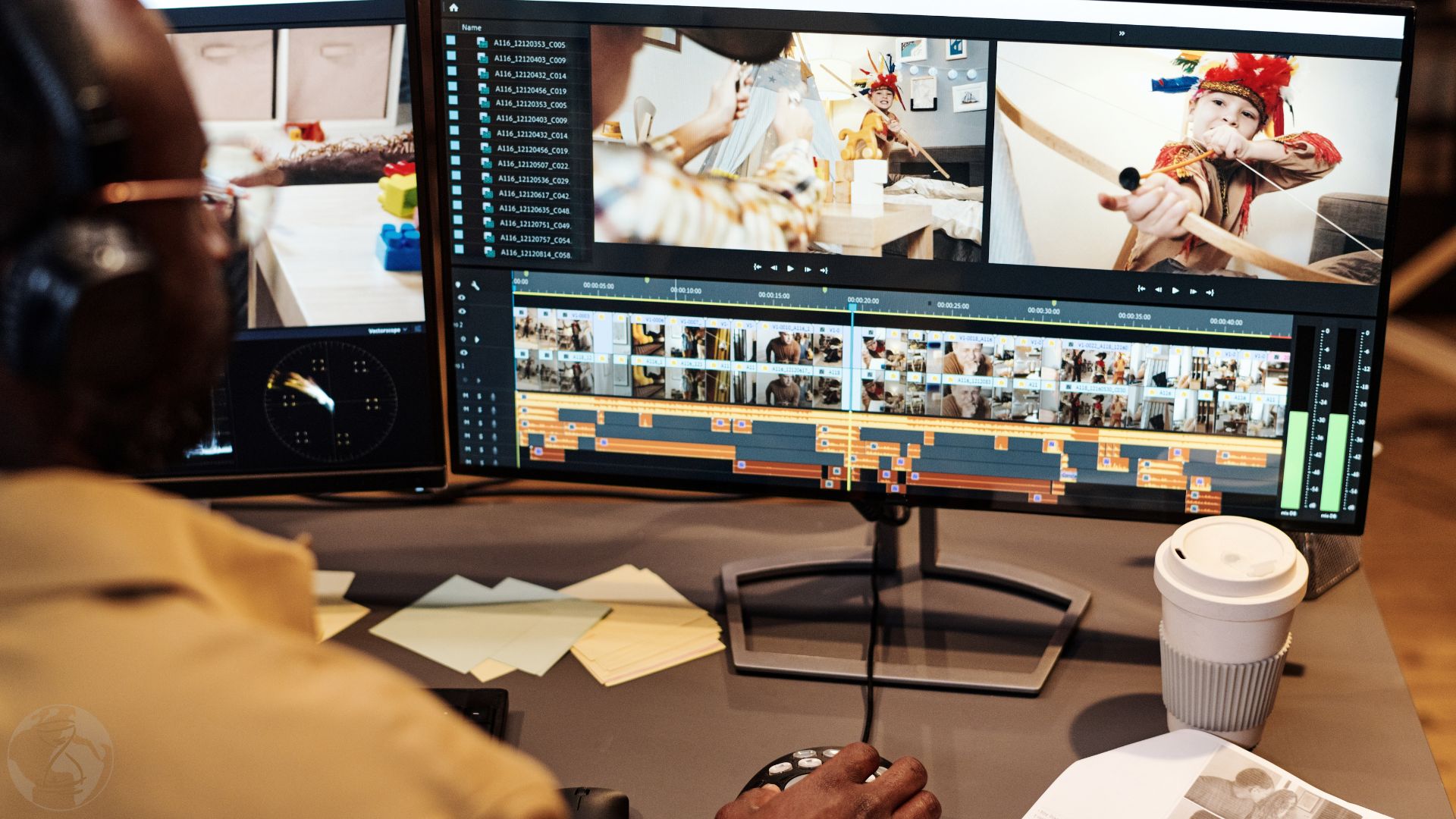
Efficient Editing Techniques
Workflow improvements are as much about technique as they are about tools. Adopting editing habits that minimize context switching and emphasize structure yields faster assembly and cleaner revisions.
- Rough cut first: Build a fast assembly that nails timing and story before polishing shots, transitions, and audio.
- Organize bins and sequences: Use clear folder structures, color-coding, and naming conventions to find assets instantly.
- J-cut and L-cut use: Use audio-first or audio-late edits to smooth transitions and reduce micro-adjustments later.
- Compound clips/sequence nesting: Group related shots into nests to apply consistent edits and move sections easily.
- Limit perfectionism early: Lock pacing in early drafts and reserve fine-tuning for final passes to avoid endless tweaks.
Efficient techniques focus on getting the story right quickly, keeping the timeline tidy, and postponing perfection until the final pass so you spend more time creating impact and less time reworking tiny details.
Optimizing Workflow for Social Media Videos
Social platforms demand many formats and fast turnarounds; optimizing specifically for social media prevents repetitive rework and multiplatform headaches.
- Pre-plan formats: Decide aspect ratios and lengths (9:16, 1:1, 16:9) during pre-production to capture the right shots once.
- Export presets: Create platform-specific export presets for codecs, bitrates, and dimensions to export multiple versions fast.
- Repurpose clips: Create “master” edits and derive shorter clips and teasers instead of re-editing from scratch.
- Caption automation: Use auto-captioning tools then quickly edit the SRT for accuracy to save manual typing.
- Thumbnail templates: Keep a reusable thumbnail design file to produce eye-catching images quickly for each platform.
When social deliverables are planned and templated in advance, you avoid last-minute format conversions and repetitive edits, so your team can push more timely content with consistent quality across platforms.
Collaboration and Asset Management
Good collaboration and asset control prevent wasted hours hunting files, resolving version conflicts, or waiting on approvals. A single source of truth and clear handoffs accelerate team workflows.
- Centralized asset library: Store source footage, logos, music, and graphics in a shared cloud or NAS with clear folder rules.
- Version naming: Use explicit version tags (v01, v01_review, v02_final) so editors and clients always know which file to use.
- Collaborative review tools: Use frame-accurate review platforms for timestamped feedback so edits are precise and actionable.
- Check-in/check-out process: Use a simple check-in system to avoid two people editing the same sequence at once.
- Communication cadence: Schedule short daily or milestone check-ins to remove blockers and align revisions.
Effective collaboration systems reduce friction, prevent duplication of work, and make approvals much faster, turning what could be chaotic back-and-forth into a predictable, efficient pipeline.
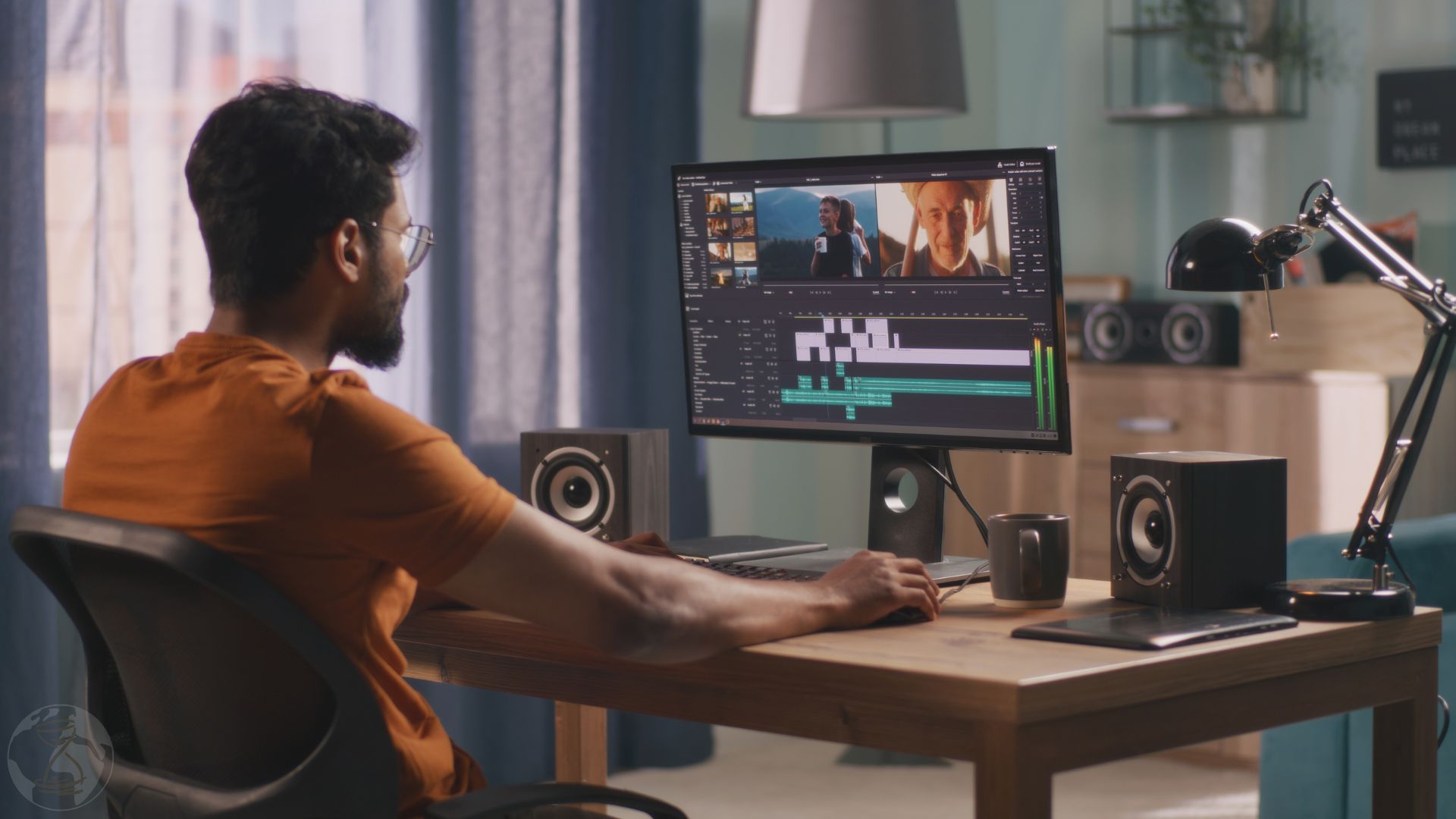
Hardware and Export Optimization
Hardware and export settings directly impact how fluidly you can edit and how quickly you can deliver final assets. Small changes here often yield the largest time improvements.
- RAM and scratch disks: Allocate fast SSD scratch disks and sufficient RAM to improve playback and render speeds.
- GPU acceleration: Enable hardware acceleration for exports, effects, and real-time playback when supported by your NLE.
- Efficient codecs: Edit with edit-friendly codecs (ProRes, DNxHR) or proxy formats to balance quality and performance.
- Incremental exports: Export only changed sequences or use targeted ranges instead of full-timeline exports for quick reviews.
- Background rendering: Use background render features or dedicated render nodes to offload heavy tasks while continuing to work.
Investing in optimized hardware configuration and smarter export strategies reduces waiting time dramatically and keeps editors working continuously rather than watching progress bars.
Streamline Your Video Editing Workflow
Speeding up your Video Editing Workflow is a layered effort: start by mapping your process, then apply targeted tool upgrades, disciplined editing techniques, social-specific templates, collaborative asset management, and hardware optimizations. Combined, these changes reduce busywork, improve quality, and free more time for storytelling and creativity so your team can deliver better videos, faster.
Partner with Hourglass Marketing Solutions
Hourglass Marketing Solutions helps video teams optimize workflows, choose the right tools, and implement templates, presets, and collaboration systems tailored to your needs. Contact us today to streamline your editing process, increase throughput, and produce consistent, high-quality video content that supports your marketing goals.